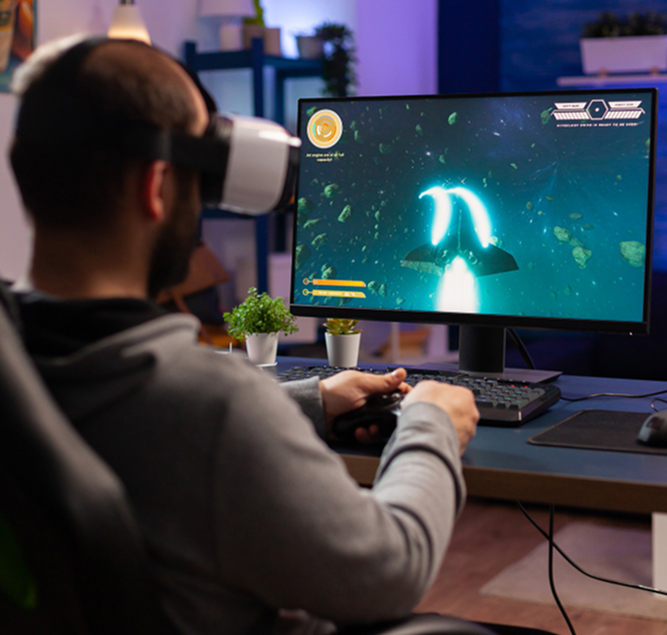
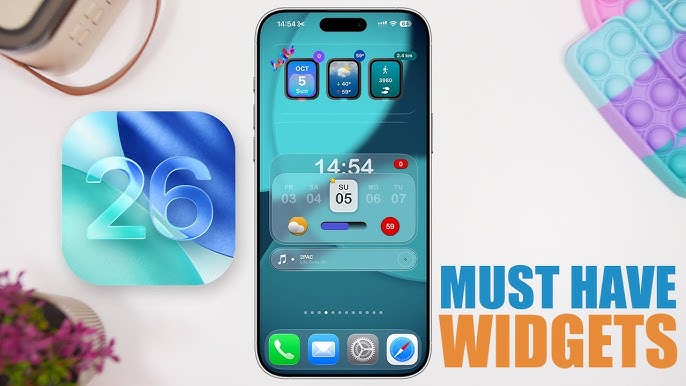
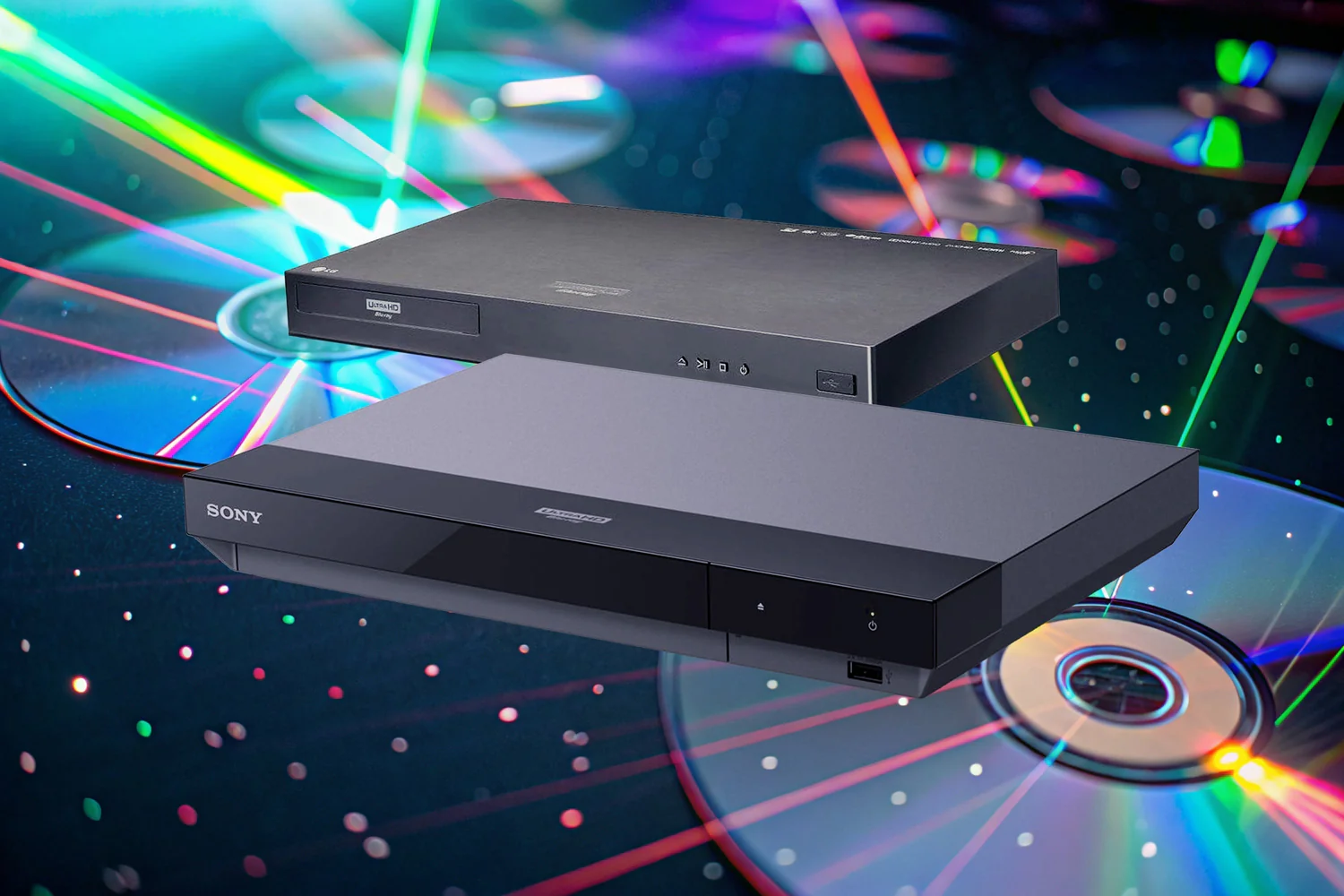
Analysis of PC and console systems, performance accessories, and strategies for immersive gaming experiences.
Learn More ⟶
Get in Touch with Technographx
Have questions or need guidance? Reach out to our team for support. Stay connected and receive updates, insights, and expert advice on the latest technology trends.
Technographx is designed to make technology accessible and actionable. Our approach combines clarity, precision, and relevance, helping users make informed decisions without confusion.
Structured Insights: Organized content that makes complex technology easy to understand.
Practical Guidance: Step-by-step instructions and tips for devices, software, and gaming environments.
Trusted Recommendations: Objective analysis and comparisons to support informed choices.
Future-Focused Perspective: Coverage of trends and innovations shaping the next generation of technology.
Q: What kind of content does Technographx publish?
The platform covers core technology areas, including hardware, software, gaming, and practical guides. Content focuses on product insights, performance comparisons, and real-world usage. Articles are designed to simplify complex topics, helping readers understand devices, tools, and systems while staying updated with ongoing developments in the tech space.
Q: Does the website provide product recommendations?
Yes, objective comparisons and evaluations are provided based on specifications, performance, and usability. Instead of generic suggestions, the focus remains on helping readers understand which options match their needs. This allows better decision-making based on features, use cases, and overall performance expectations.
Q: Can I find troubleshooting guides here?
The platform includes practical troubleshooting guides covering common issues across devices and software. These guides provide clear steps for identifying problems, applying fixes, and improving performance. The aim is to reduce confusion and help users resolve technical issues efficiently without relying on complicated or unclear instructions.
Q: What topics are covered under gaming?
Gaming content includes hardware setups, performance optimization, accessories, and platform-specific insights. It covers both PC and console gaming, focusing on improving gameplay experience, system efficiency, and compatibility. The content helps users understand how different components and settings influence overall gaming performance.
Q: How does Technographx simplify complex technology?
Technographx presents technology in a structured and easy-to-understand format, focusing on clarity, relevance, and practical application. Instead of overwhelming users with technical jargon, the platform breaks down devices, software, and digital tools into actionable insights. This approach helps readers quickly understand key concepts, compare options effectively, and make confident decisions based on real-world use cases.